
BAJI999 Login: 6 Easy Secure Steps for BD Players 2026
BAJI999 login is the quick, secure gateway to your account, your balance and every game or sports market you enjoy. Whether you play on a phone during a commute or on a computer at home, signing in should take only a few seconds and keep your details protected at every step. This page explains why a smooth sign-in matters, what you need before you start, how to log in step by step, what to do if you forget your password and the security habits that keep your account safe for players across Bangladesh.
Most sign-in problems have simple causes, such as a mistyped username, an outdated app or a weak signal when the verification code is sent. Knowing how to handle these situations means you will rarely be locked out, and if you are, you will know exactly how to get back in quickly.
Below, you will find why a smooth BAJI999 login matters, what you need to sign in, the steps for phone and computer, safety habits and six practical tips for a secure sign-in.
Why A Smooth BAJI999 Login Matters
Signing in is something you do every time you play, so it should be fast, simple and safe.
Quick Access To Your Account
A smooth BAJI999 login takes you straight to your balance, favourites and bet history. That speed matters most during live sports, when odds change quickly and you want to place a bet before a key moment in the match.
It also matters for convenience. If signing in is slow or confusing, short sessions become frustrating. A reliable process lets you check results, review your history or make a quick deposit in seconds. For fans who follow evening cricket or early-morning football, a fast BAJI999 login means never missing the moment you planned to bet on.
Saved login on your own trusted device can make things even faster, as long as the device is protected with its own lock screen. A fingerprint or face unlock on your phone adds a simple extra barrier, so even if the phone is lost, nobody can open your account easily.
Protection For Your Balance
Your account holds money and personal details, so the login process is also your main line of defence. A strong password combined with one-time codes for sensitive actions makes it very difficult for anyone else to access your account.
Every BAJI999 login from a new device or location may trigger extra checks. These checks are not meant to slow you down; they exist to protect you from unauthorised access.
Understanding that balance between speed and security helps you appreciate why certain steps are required. A BAJI999 login that asks for a code now and then is a sign that your account is being watched over carefully, not a sign that something is wrong.
What You Need To Sign In
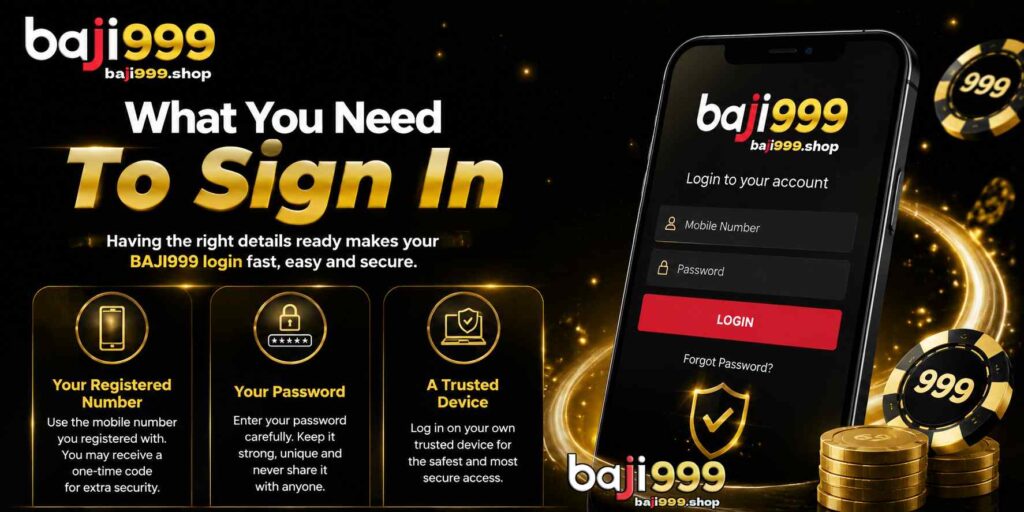
Only a few things are needed for a successful sign-in.
Your Username And Password
You will need the username and password you created during registration. Usernames are often case-sensitive, so type them exactly as you set them. If you have more than one phone, make sure the details you use are the same on each, and avoid letting autocorrect change capital letters or add spaces to your username.
If you use a password manager, it can fill in your details automatically and reduce typing errors. Never write your password on paper that others might see, and never save it in a shared note on a family phone. If you suspect someone else knows your password, change it straight away from the security settings, then sign out of all other devices if that option is available.
A forgotten username can usually be recovered through support once you confirm your registered mobile number and name.
Access To Your Mobile Number
Some actions, such as signing in from a new device, resetting your password or confirming a withdrawal, require a one-time code sent to your registered mobile number. Keep your phone nearby and make sure it can receive SMS messages, even when you are travelling or using roaming abroad.
If you change your number, update it in your account settings before the old one is deactivated. Otherwise, you may struggle to complete a BAJI999 login from a new device. Codes usually arrive within a minute; if one does not, check your signal, wait briefly and request a new code rather than tapping the button repeatedly.
The Official Site Or App
Always sign in through the official website or the official app. Fake pages that copy the look of real sites are a common trick for stealing login details.
Bookmark the official address once and use that bookmark every time. If you use the app, download it only from the link provided on the official site. Keep the app updated, because new versions often include security improvements and fixes that make every BAJI999 login smoother.
How To Log In Step By Step
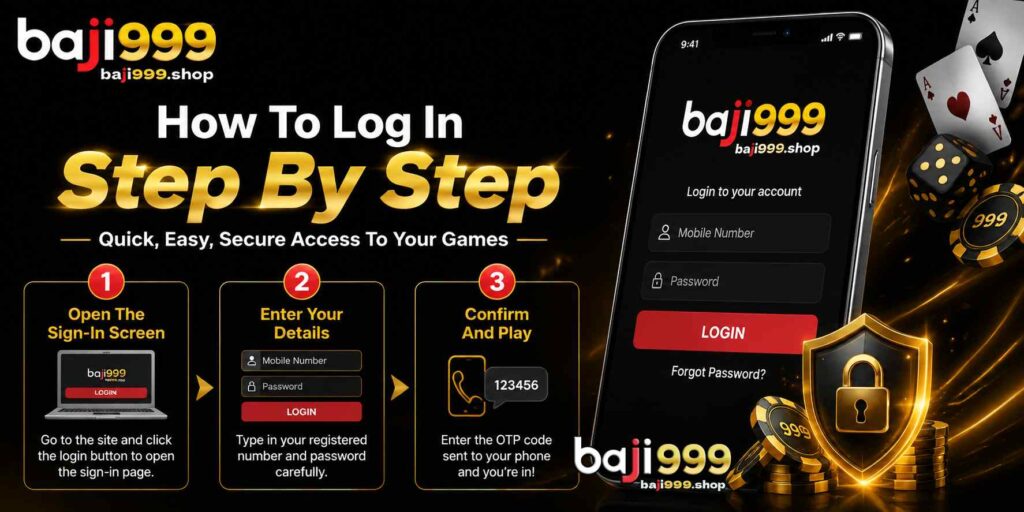
Follow these three steps on phone or computer.
Step 1: Open The Official Site Or App
Open your bookmark or the official app. Check the address bar or app name carefully before typing anything, especially if you arrived through a link in a message.
Tap or click the login button, usually found at the top of the screen next to the sign-up button. On the app, the login screen often appears automatically when you open it, so you can go straight to entering your details.
Step 2: Enter Your Details
Type your username and password into the login form. If you are on a trusted personal device, you may choose to remember your username for faster future sign-ins.
Avoid saving your password on shared or public computers. On those devices, always log out when you finish. Closing the browser alone does not always end the session, so use the logout option in the account menu to be certain.
Step 3: Confirm And Continue
Press the login button. If a one-time code is requested, enter the code sent to your phone. Once confirmed, you will see your balance and the main lobby. Take a quick look at your balance and recent activity each time you sign in, because this simple habit helps you notice anything unusual straight away.
If the BAJI999 login fails, check that caps lock is off, that you are using the correct username and that your internet connection is stable, then try again. After several failed attempts, the account may be temporarily locked for safety, so use password recovery rather than guessing repeatedly. Clearing your browser cache or reinstalling the app can also fix a BAJI999 login that keeps failing for technical reasons.
Safety And Smart Habits
Good habits make every sign-in safer.
Recover Access The Right Way
If you forget your password, use the “forgot password” option on the login screen. You will usually receive a code or link on your registered mobile number to set a new password.
Never ask strangers or unofficial groups for help recovering your account, and never pay anyone who claims they can unlock it. Only the official support team can assist with account access. Choose a new password that is completely different from the old one, and update it in your password manager straight away.
Watch For Warning Signs
Be cautious of messages asking you to log in through an unfamiliar link, share a code or confirm your password. Genuine staff will never ask for these details. Messages that create urgency, such as warnings that your account will be closed unless you act immediately, are a common sign of a scam. When in doubt, close the message and open the official site from your own bookmark instead. A genuine BAJI999 login page will never ask you to send your code to another person.
Check your account activity regularly. If you see a BAJI999 login you do not recognise, change your password immediately and contact support. Quick action after a suspicious BAJI999 login is the best way to protect your balance.
6 Practical Tips For A Secure Sign-In
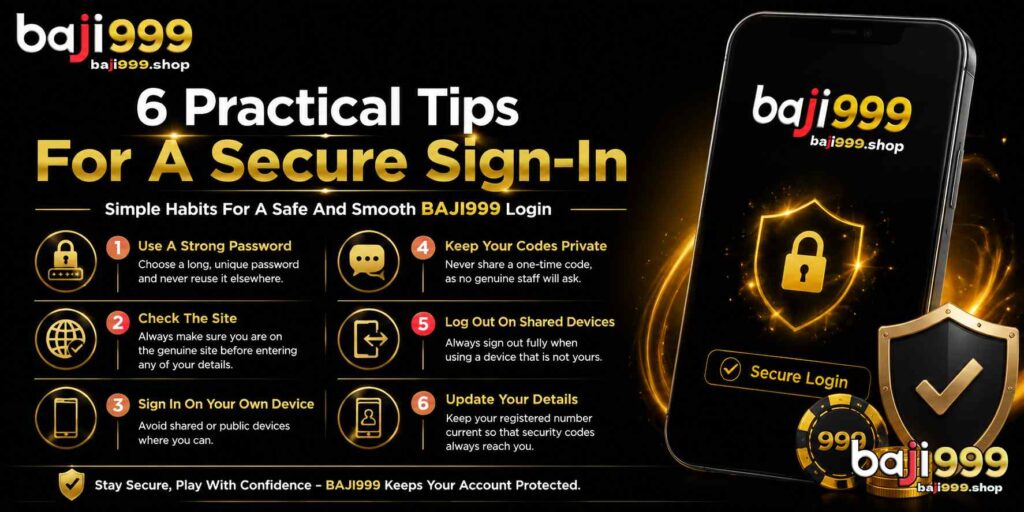
These habits keep every BAJI999 login fast and safe.
- Bookmark the official site and use that bookmark every time.
- Use a unique, strong password that you do not use anywhere else.
- Keep your mobile number up to date so codes always reach you.
- Never share one-time codes with anyone, including people claiming to be support.
- Log out on shared devices and avoid public Wi-Fi for payments.
- Play responsibly, use only spare money and remember that play is for adults aged 18 and over.
Final Thoughts For Bangladeshi Players
BAJI999 login is quick and secure when you use the official site or app, keep your password strong and your mobile number up to date. Knowing how to recover access and recognise warning signs ensures you stay in control of your account.
If you ever have trouble signing in, use the official recovery option or contact support directly. A careful approach to signing in protects your balance and lets you enjoy every session with peace of mind.